
Daily Word
Overview
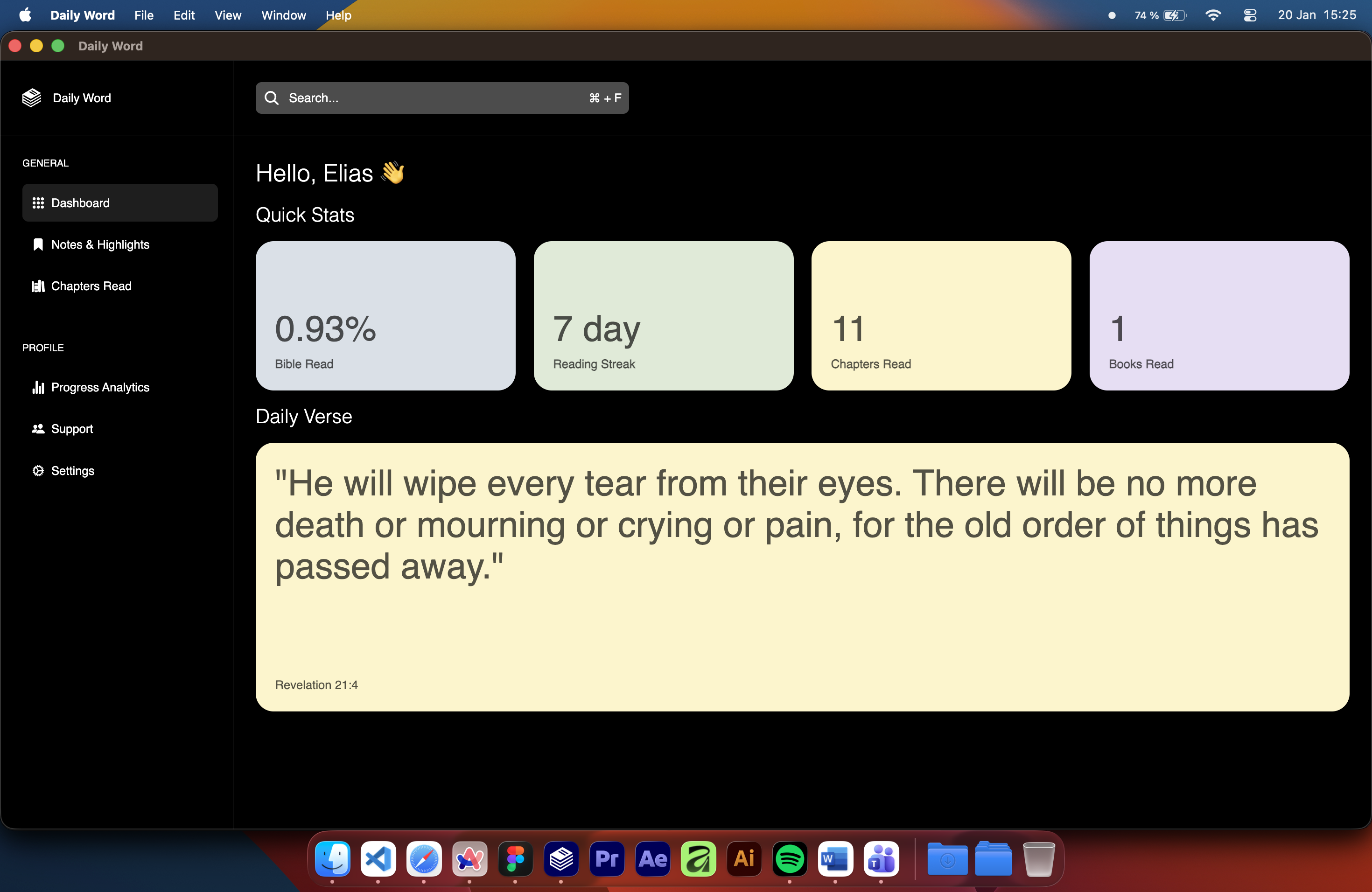
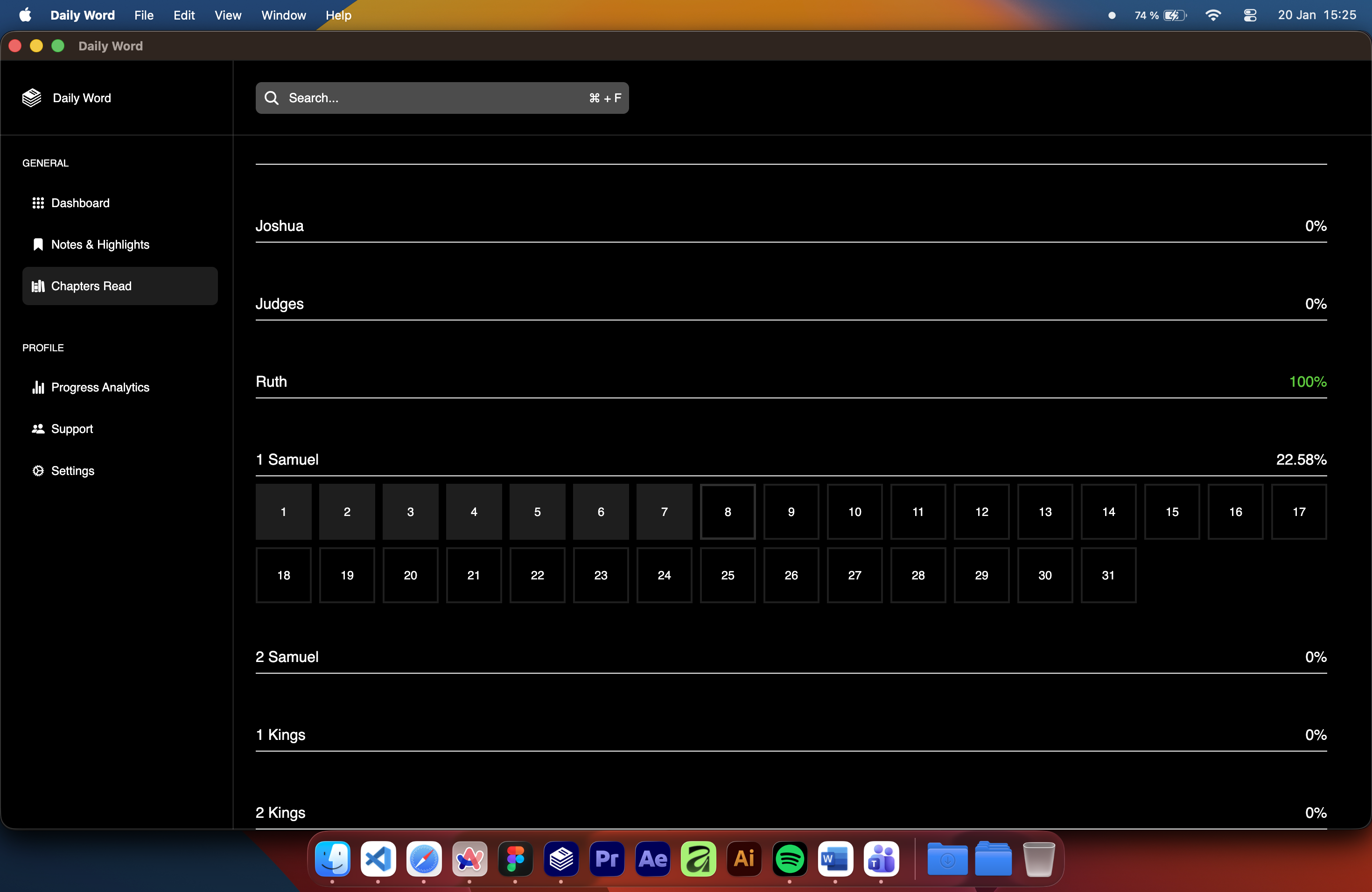
A desktop application designed to help users track their Bible reading progress and visualize how much of the Bible they’ve read. The app lets you log chapters, set reading goals, and see your journey in a clear, organized way.
A desktop application designed to help users track their Bible reading progress and visualize how much of the Bible they’ve read. The app lets you log chapters, set reading goals, and see your journey in a clear, organized way.
Follow these simple steps to download and run the app:
Go to the GitHub page: https://github.com/FrogyTTv/Daily-Word
Click Code, then Download ZIP and extract the files, or
Use Git to clone the repository:
Bash
git clone https://github.com/FrogyTTv/Daily-Word.git
cd Daily-Word
Install Node.js on your computer
Open a terminal or command prompt inside the project folder
Install the necessary dependencies and start the program by running:
Bash
npm installand...
Bash
npm startThe Daily Word app is now ready to open. You can now log your readings and track your progress.